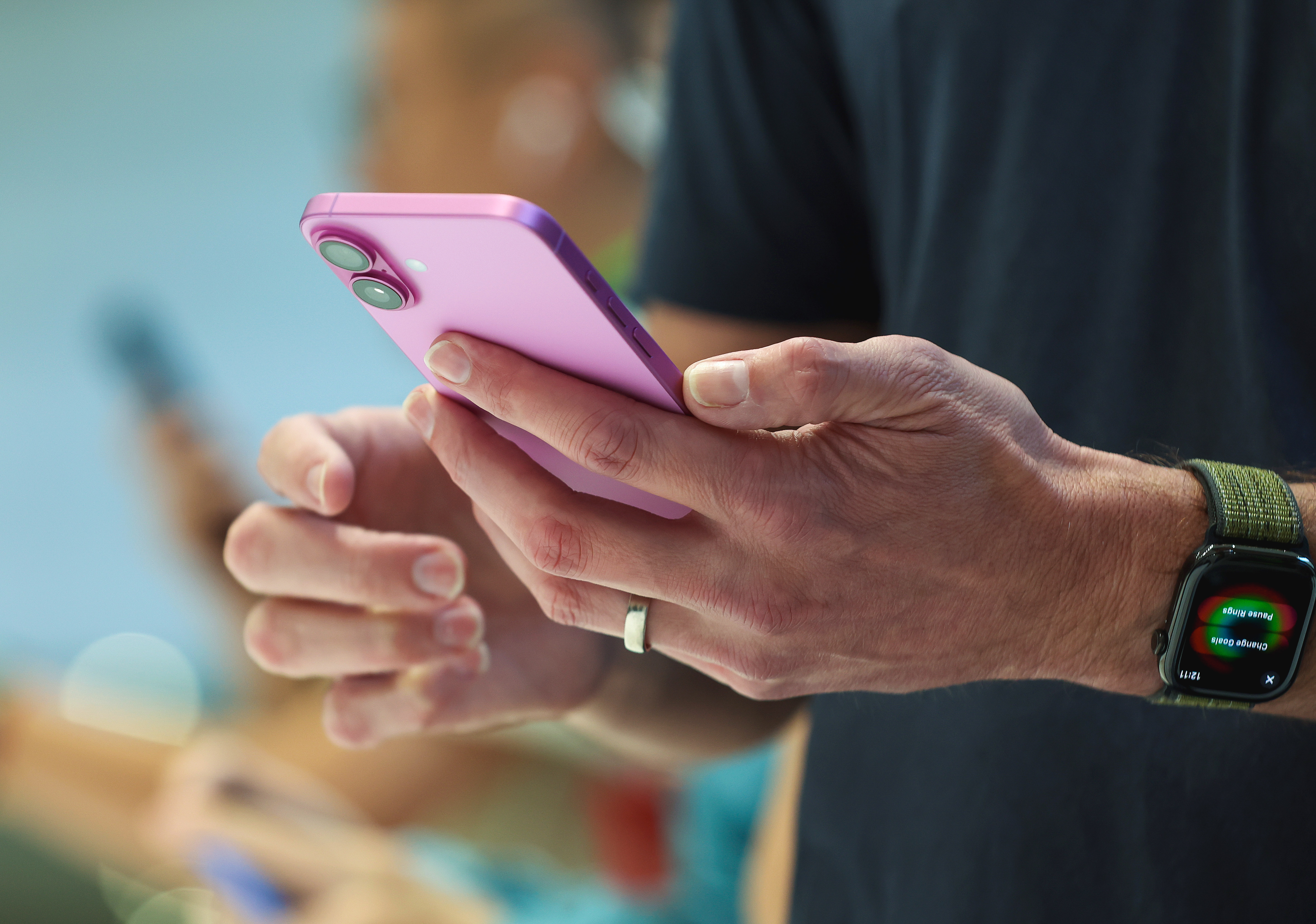
People who own an iPhone, MacBook, AppleTV, iPod, or another Apple device with Siri enabled could be eligible to receive a portion of the company’s $95 million class-action settlement over claims that the voice program spied on them.
Tens of millions of consumers who owned iPhones and other Apple devices from mid-September 2014 through the end of last year may be able to file claims.
Each consumer could receive up to $20 per Siri-equipped device covered by the settlement, although the payment could be reduced or increased, depending on the volume of claims.
However, time is running out. Individuals who may be eligible have until July 2 to submit a claim against the tech giant.
Who Is Eligible
People who owned Apple devices with Siri enabled between Sept. 17, 2014, and Dec. 31, 2024, and who also “experienced an unintended Siri activation during a confidential or private communication” can file a claim, according to the Apple settlement website, which was updated as recently as May 12, according to page metadata reviewed by The Epoch Times.
The devices include the iPhone, iPad, Apple Watch, MacBook, iMac, HomePod, iPod Touch, and Apple TV, the site says.
People who are not sure whether they are eligible for payment can contact the settlement administrator through its website, by phone, or by mail.
How to File a Claim
The settlement website said that people who received an email or postcard with a claim identification or confirmation code regarding the settlement can use those codes when they file for their claim.
If they did not receive either an email or a postcard but suspect they are eligible to file for a piece of the settlement, a claim can be submitted through the settlement page’s Submit Claim section, following the instructions provided.
When one attempts to submit a new claim without a code, the settlement website will ask for the customer’s first name, last name, address, email, and phone number.
Other Options
Consumers who may be eligible also have the option to exclude themselves from the Apple Siri settlement, meaning they would receive no payment. The website says that this represents “the only option that allows you to keep your right to bring any other claim against Apple arising out of or related to the claims in this case.”
Individuals can also “write to the Court about why you like or do not like the Settlement,” but “you cannot ask the Court to order a larger settlement,” according to the page.
Those who “do nothing” will then “give up rights and be bound by the Settlement,” it adds.
Apple Denies Allegations
“Apple denies all of the allegations made in the lawsuit and denies that Apple did anything improper or unlawful,” said a statement on Apple’s settlement website.
Apple, which agreed to the settlement terms earlier this year, denied claims made in the lawsuit that Siri was eavesdropping.
“Siri has been engineered to protect user privacy from the beginning,” Apple said in a statement in January. “Siri data has never been used to build marketing profiles and it has never been sold to anyone for any purpose.”
What the Lawsuit Is About
Apple issued a September 2014 software update that was supposed to activate the virtual assistant only with the triggering words “Hey, Siri,” but a report from
The Guardian in 2019 alleged Siri was listening and recording conversations at other times to help improve the company’s technology.
The story led to the 2021 lawsuit, which later raised allegations that Apple shared some of the conversations that Siri secretly recorded with advertisers looking to connect with consumers who were more likely to buy their products and services.
Lawyers representing the consumers said that Apple’s alleged misbehavior was so egregious that the company could have been liable for $1.5 billion in damages if it lost the case.
How to Disable Siri
An Apple device user can turn Apple’s virtual assistant off by following several steps, starting by going to “Settings Siri & Search,” turning off “Listen for ‘Hey Siri’,” pressing the device’s side button for Siri, and then tapping “Turn Off Siri” when a pop-up window appears.
The device also allows for the disabling of individual apps’ access to the iPhone’s mic by navigating to “Settings” and then toggling off “Microphone.”
The Epoch Times has reached out to Apple for comment
The Associated Press contributed to this report.