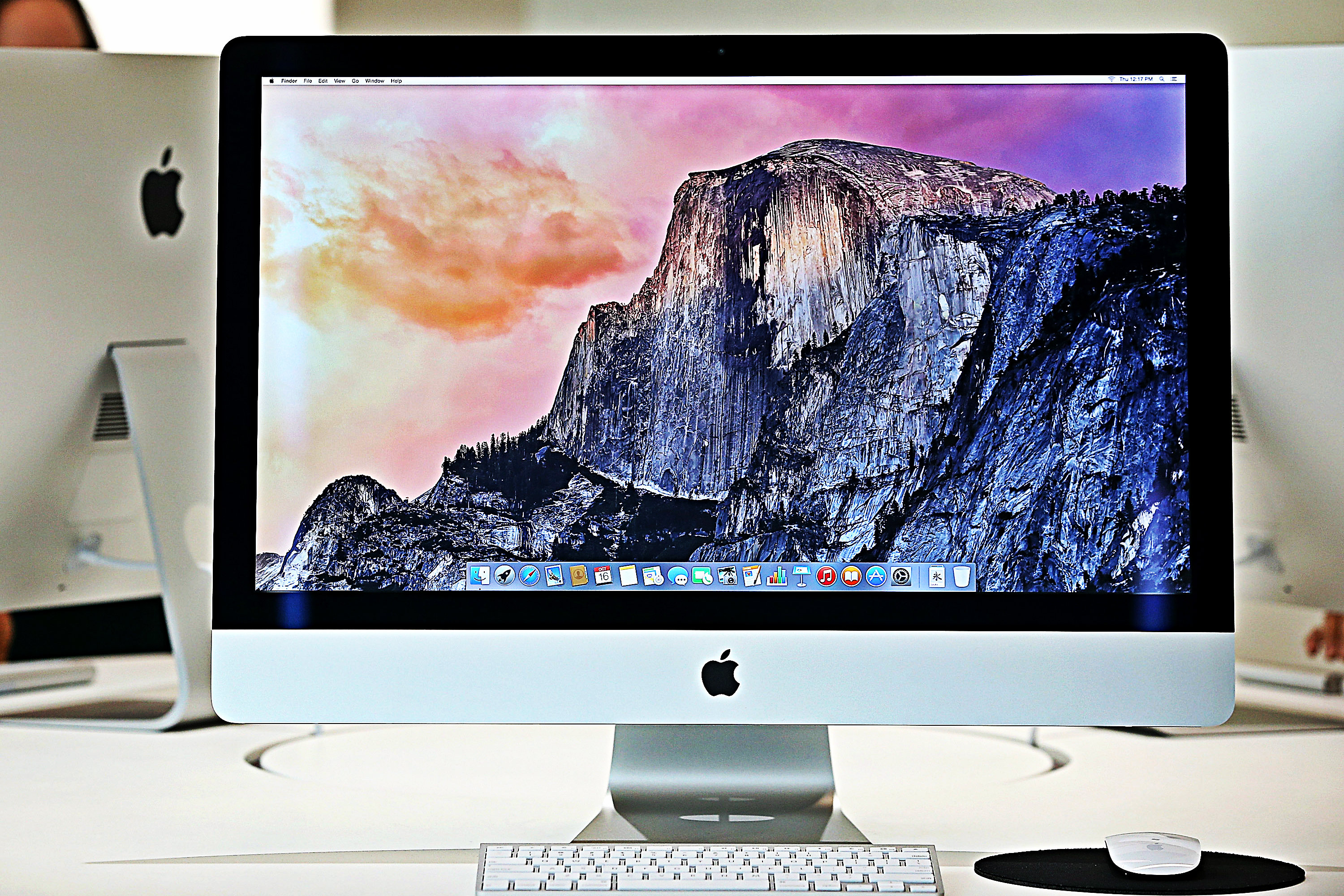

By default, you will have no problem connecting an Android device to a PC. However, if you are using a Mac, it is not allowed by default. Thus, you would need to install an app to be able to do that.
Here is a tutorial on how to do that.
Step 1: Download Android File Transfer for Mac
- Download the file from https://www.android.com/filetransfer/.
- When download completes, drag the Android File Transfer icon to the applications folder.
Step 2: Connect Android device to Mac via USB
Use the USB cable that came with your Android device and connect it to your Mac.
Step 3: Launch Android File Transfer on Mac
From the Applications folder, look for Android File Transfer and launch it.
Step 4: Browse files and folders
Your Android device will be detected automatically. Now you can drag and drop files to and from your Android device via Mac.
This article was originally published by RumorsCity. Read the original.